Why Your Suburb Pages Aren’t Ranking (and What to Fix First)
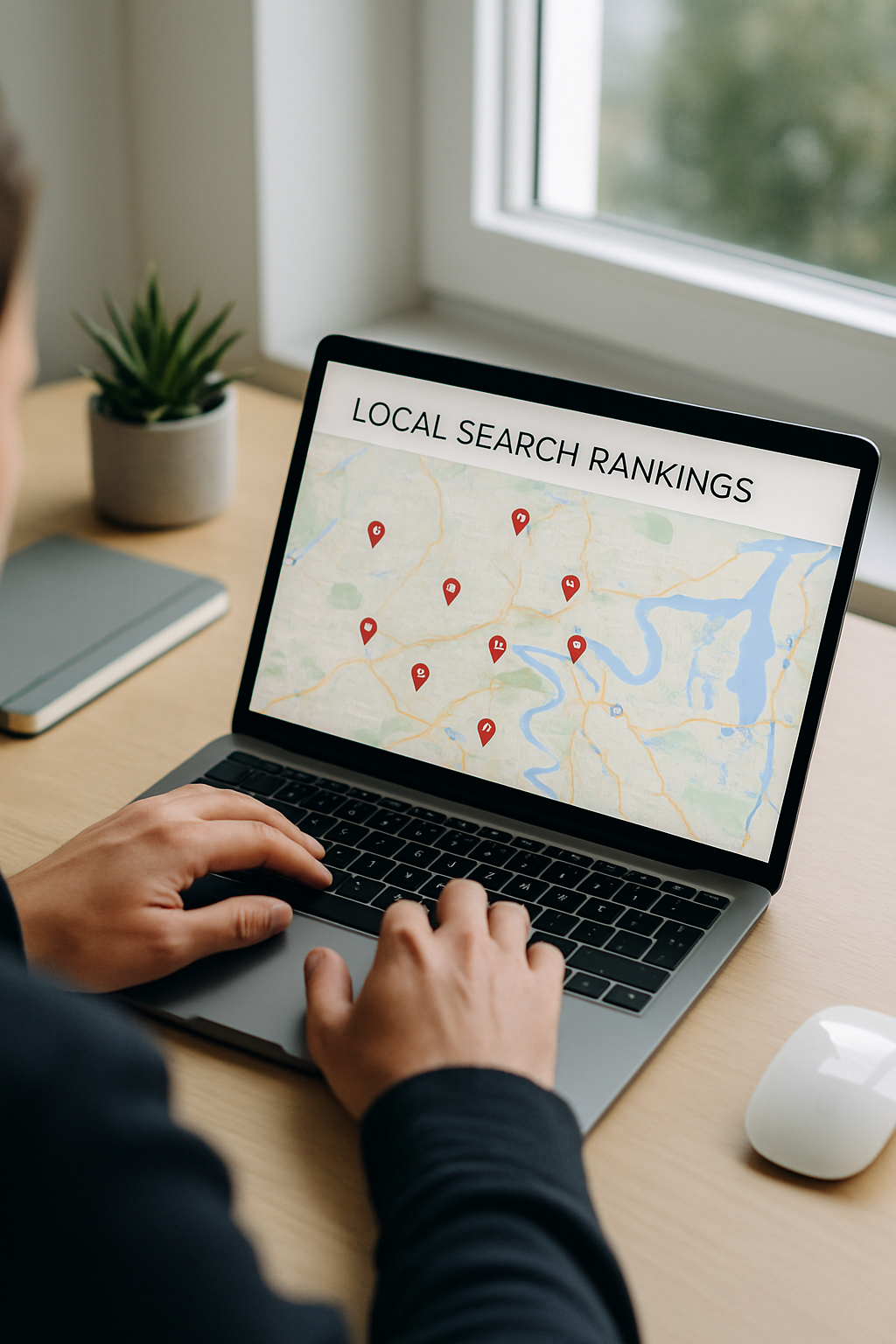
If you have suburb-specific service pages on your website (e.g. “Plumber Carindale”, “Electrician Wellington Point”), and they are not bringing in local search traffic, the cause is almost always one of five specific things. None of them are mysterious. All of them are fixable in a weekend.
Brisbane service business owners often build out a stack of suburb pages, expect them to rank for “[service] [suburb]” queries, and then watch them sit invisible while a competitor in the next suburb over outranks them. The ranking signals Google uses for local pages are mostly within your control — but if you skip them, the page underperforms regardless of how much content is on it.
Mistake one — every suburb page reads the same
The most common pattern: someone builds 12 suburb pages by copying the master page and changing the suburb name in five places. Google reads these as near-duplicate content and either consolidates them all into one ranking page (usually picking the one with the most authority) or de-prioritises all of them.
The fix is uncomfortable but not optional: each suburb page needs genuinely different content. Different opening, different examples, different specifics. References to actual streets, landmarks, suburb characteristics, local schools, council-specific notes — anything that proves the page was written for that specific suburb rather than templated.
Aim for at least 30-40% unique content per suburb. The rest can be your standard service description, but the local-specific bits have to actually be local-specific.
Mistake two — no clear local intent signals
Google’s local pack favours pages that prove they are about a real local service for real local customers. Pages without local proof are treated as generic and ranked lower than pages with proof.
What counts as proof:
- The suburb name in the H1 (not just the page title)
- The suburb name naturally throughout the body — three to five times in 600-800 words is enough
- References to neighbouring suburbs you also serve
- A LocalBusiness schema block on the page (or service-area-specific schema)
- An embedded Google Map of the service area
- Customer testimonials specifically from that suburb (massively underused)
- Photos of work completed in that suburb
You do not need all of these. You need enough to read as a real local page rather than a templated one.
Mistake three — the suburb pages are orphaned
Suburb pages get built, then nothing else on the site links to them. They sit on the sitemap, Google indexes them, and they get treated as low-priority because no other page on the site treats them as important.
The fix is internal linking. Every suburb page needs at least:
- A link from the main service page (e.g. “Plumbing” links to all the suburb-plumbing pages)
- A link from the website footer or sidebar showing all serviced suburbs
- A link from at least one blog article that mentions the suburb
- Links between adjacent suburb pages (Wynnum links to Manly, Manly links to Wellington Point — natural geographic clustering)
Each link is a small ranking signal. Together they tell Google these pages are a deliberate part of the site, not stranded content.
Mistake four — the GBP and the suburb pages are not connected
Your Google Business Profile is the strongest local-ranking signal you have. Most service businesses run their GBP and their suburb pages as completely separate things. They should be reinforcing each other.
Three connections worth making:
Link your suburb pages from your GBP. The GBP “Services” section lets you add URLs for each service. Use this — link to the suburb-specific service page rather than the generic service page.
Mention the suburb in GBP posts. “Just finished a hot water system replacement in Wynnum — happy customer.” Links the GBP to the suburb in Google’s eyes.
Use service-area-specific schema on the suburb page. The Schema.org Service type lets you specify areaServed. Match it to the suburb page. Most sites either do not use schema at all or use generic schema that does not mention the local service area.
Mistake five — chasing the wrong keywords entirely
This is the most painful one because it means rewriting. Many suburb pages target keywords like “plumber Wynnum” — but the actual highest-converting search queries for local service businesses are often longer and more specific. “Emergency plumber Wynnum after hours”, “blocked drain Wynnum”, “hot water replacement Wynnum” — these have lower volume than the head term but much higher intent.
One Wynnum page that targets “plumber Wynnum” might get 5 leads a month. Three Wynnum pages targeting “emergency plumber Wynnum”, “hot water Wynnum”, and “drain cleaning Wynnum” might get 15 — because each page nails a specific buyer-intent query.
Worth running a fresh keyword check on each suburb you serve. The query that converts best may not be the one you built the page around.
The order to fix these
If you are looking at a stack of underperforming suburb pages and feeling overwhelmed, the practical order is:
- Add internal links from your main service pages and footer (1 hour, biggest immediate signal lift)
- Add LocalBusiness or Service schema to each suburb page (2 hours, technical but high-value)
- Connect your GBP services to specific suburb pages (30 minutes inside GBP)
- Rewrite each page with at least 30% unique content (this is the slow one — half a day per page)
- Run keyword research on each suburb and adjust target queries where needed (varies)
Steps 1-3 you can do in a single afternoon. Steps 4 and 5 are the longer-term work. Most service businesses get 60-70% of the ranking lift from steps 1-3 alone.
If you would rather hand the whole audit-and-fix to someone who works on Brisbane suburb-page rankings full time, this is what we do at Hello SEO — local SEO retainers across Redlands and Brisbane Eastern Suburbs, including suburb-page audits as a standard part of the first month’s work.